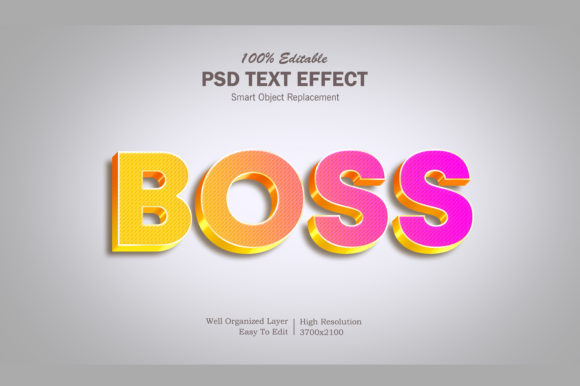
Pops 3D Text Effect: What It Really Is—and How to Use It Well
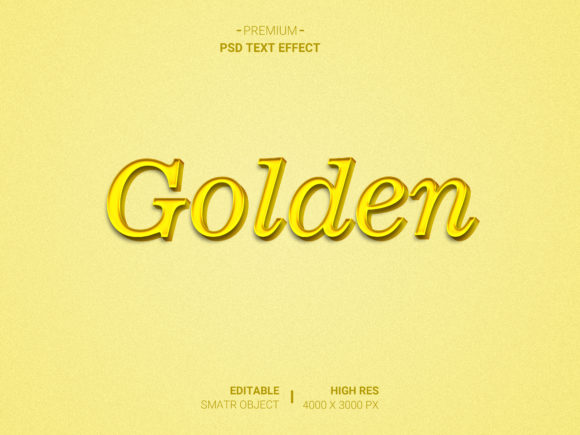
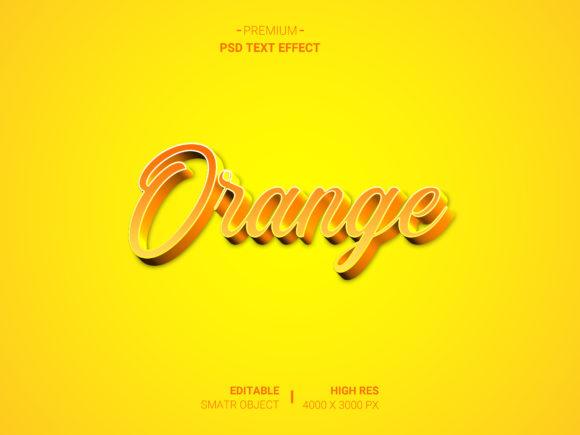
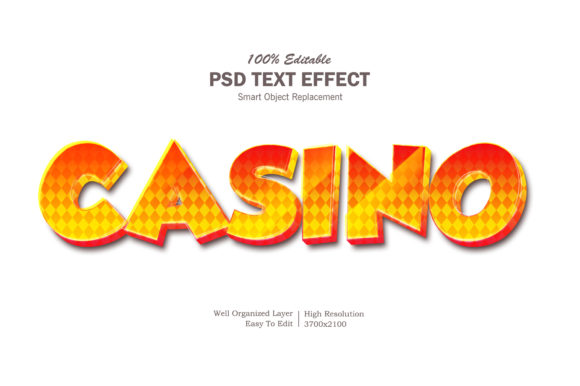
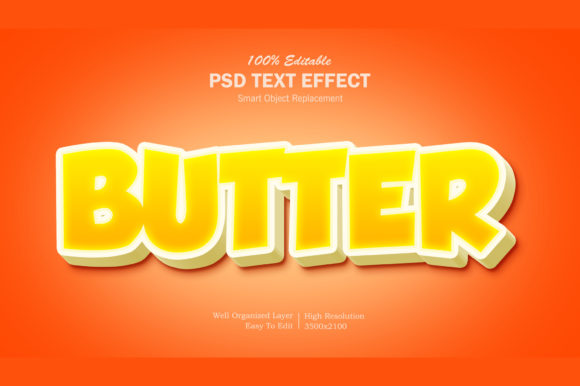
When you see bold, glossy, seemingly floating text on a social post, landing page, or presentation slide, there’s a good chance it’s powered by a Pops 3D Text Effect. Unlike basic shadows or simple bevels, this effect creates the illusion of depth, dimension, and light interaction—making words leap off the screen with visual weight and polish. It’s popular because it works: audiences notice it, remember it, and associate it with energy, modernity, and attention to detail. But here’s what many miss—not all “3D text” tools deliver the same quality, flexibility, or performance. And not every use case benefits from it.
It’s Not Just About Looking Cool—Context Matters
A common oversight is applying the Pops 3D Text Effect without considering where or how the text will be used. For example, stacking heavy gradients, multiple drop shadows, and exaggerated extrusions in a small mobile banner can blur readability or slow down page load. Similarly, using high-resolution layered PNGs (often exported from design tools) for body text on a blog post sacrifices accessibility and SEO-friendliness—search engines can’t read embedded text in images, and screen readers skip it entirely.
Instead, think about your medium first: Is this for web? Social? Print? Video? Web-based implementations benefit most from CSS-driven solutions (like transform: translateZ() combined with layered pseudo-elements), while motion graphics often rely on After Effects plugins or Lottie animations. If you’re building a WordPress site, lightweight SVG-based effects scale cleanly and remain text-searchable—unlike rasterized alternatives.
Mistake #1: Assuming “Free Download” Means “Ready to Use”
Many creators search for “Pops 3D Text Effect free download” and land on sites offering PSD templates, Figma files, or sketchy .exe installers. Some are outdated, others lack documentation, and a surprising number embed hidden watermarks or require attribution that conflicts with commercial licenses. Worse, some “free” resources rely on proprietary fonts or missing layer styles—so when you open the file, the effect collapses into flat gray text.
Before downloading anything, check three things: the license (look for Creative Commons CC0 or MIT if you’re using it commercially), the software version compatibility (e.g., “Figma v120+ only”), and whether the effect uses editable vector layers—not flattened pixels. A better approach? Start with built-in tools: Canva’s “3D text” toggle, Figma’s “Layer Effects + Boolean Operations,” or even modern CSS properties like text-shadow chains paired with filter: contrast() for punchier contrast.
Mistake #2: Overlooking Performance and Accessibility Trade-Offs
Depth isn’t free—it carries technical costs. Heavy WebGL-based text renderers may dazzle on desktop but stutter on mid-tier Android devices. Likewise, animated Pops 3D Text Effects triggered on scroll can unintentionally cause layout shifts or fail to pause for users who prefer reduced motion (@media (prefers-reduced-motion)). These aren’t edge cases; they affect real users and Core Web Vitals scores.
Ask yourself: Does this effect serve a functional purpose—or just decorate? If the goal is emphasis, try subtle elevation (a 2px shadow with soft blur) before jumping to full extrusion. If animation is essential, limit it to hover states on desktop and disable it by default on touchscreens. And always test contrast: white text with a light gray 3D extrusion against a pale background fails WCAG AA standards. Use browser dev tools to simulate color blindness and verify legibility at 120% zoom.
Mistake #3: Confusing “3D-Like” With True 3D
Here’s a quiet truth: Most Pops 3D Text Effects aren’t truly three-dimensional. They’re clever 2D illusions—layered shadows, offset copies, gradient masks—that simulate depth under fixed lighting. That’s perfectly fine for static visuals. But if you later need to rotate, tilt, or animate the text in 3D space (e.g., for a product demo video), those flat tricks fall apart. You’ll waste hours trying to fake perspective instead of starting with a real 3D tool like Blender (with text objects and Cycles rendering) or Adobe Dimension.
The fix? Match the tool to the outcome. Need a quick hero headline? A well-crafted CSS or SVG effect suffices. Building an interactive brand experience with dynamic camera movement? Invest time learning a proper 3D pipeline—even if it means outsourcing that one asset. Don’t retrofit illusion-based assets into 3D workflows.
What to Check Before You Commit—A Quick Checklist
- Export options: Can you output clean SVG, responsive CSS, or accessible HTML text—or only raster images?
- Editing flexibility: Can you change colors, depth, lighting angle, or font size without breaking the effect?
- Cross-browser support: Does it render consistently in Safari, Firefox, and Edge—not just Chrome?
- File size impact: Does adding the effect increase your page’s total JS/CSS payload by more than 50KB?
- Updates & maintenance: Is the tool actively supported? Are bug reports addressed within a reasonable timeframe?
Better Alternatives Often Hide in Plain Sight
You don’t always need a plugin or template to achieve impact. Try these low-friction, high-return approaches:
- Use strategic negative space: Place bold, large text against a textured or blurred background—the contrast alone creates visual pop without any 3D trickery.
- Leverage real lighting cues: Add a single directional
text-shadow(e.g.,text-shadow: 2px 2px 4px rgba(0,0,0,0.2)) and pair it with a subtle inner highlight usingbackground-clip: textand-webkit-text-fill-color: transparent. - Embrace motion economy: Instead of rotating 3D text, fade in layered text elements in sequence—this guides attention just as effectively, with far less overhead.
Ultimately, the Pops 3D Text Effect shines brightest when it supports your message—not distracts from it. Depth should clarify, not complicate. Clarity should come before chrome. And the best effects? They feel intentional, not incidental.