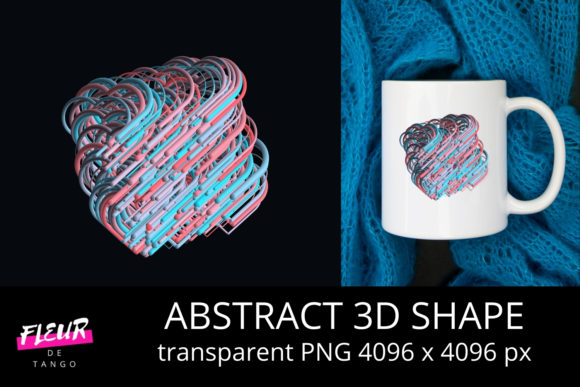
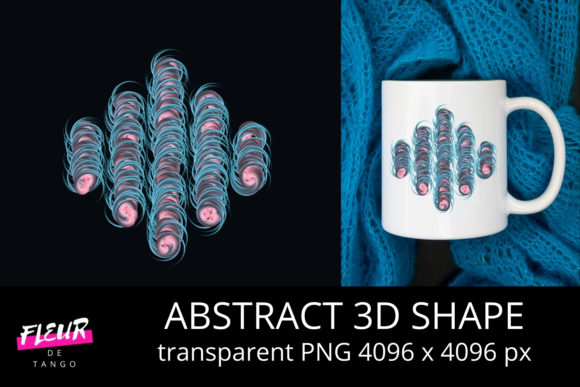
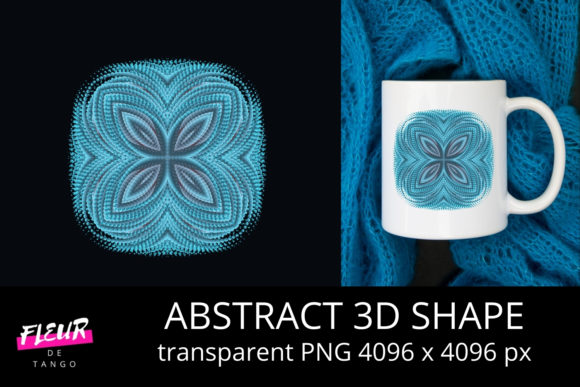
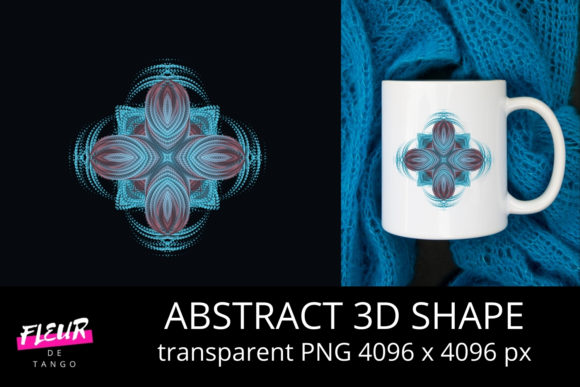
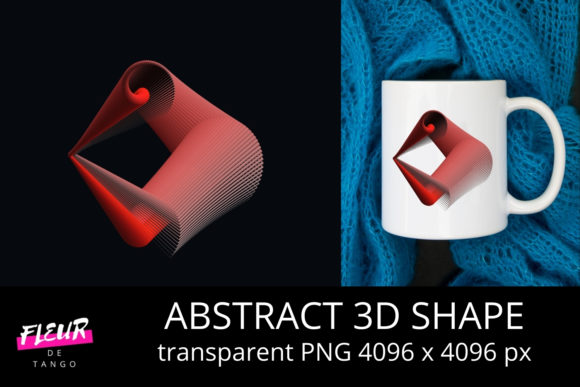
Abstract 3D Shape Clipart Vol. 51
If you’ve ever spent 20 minutes tweaking a single icon in a presentation—only to realize it still feels flat, generic, or disconnected from your message—you’re not alone. Abstract 3D Shape Clipart Vol. 51 is designed for moments like that: when visual clarity, stylistic cohesion, and time efficiency all matter at once.
What It Is—and Why It Fits Real Workflows
This collection isn’t just another set of isolated icons or decorative elements. Abstract 3D Shape Clipart Vol. 51 contains 87 hand-crafted vector shapes—spheres, toroids, faceted polyhedra, asymmetric volumes, and layered geometric hybrids—all rendered with consistent lighting, subtle depth cues, and intentional color harmony. They’re built as scalable vectors (SVG and EPS), fully editable in Adobe Illustrator, Affinity Designer, Figma, and most modern design tools.
Unlike photorealistic 3D renders—which often demand rendering time, texture management, or software expertise—these shapes strike a deliberate middle ground: abstract enough to avoid visual clutter, dimensional enough to imply structure and presence. That makes them especially useful when you need to suggest complexity, hierarchy, or spatial relationships without overwhelming the viewer.
Stronger Visual Communication—Without Extra Effort
Consider a marketing team building a slide deck about data architecture. Instead of stacking flat rectangles labeled “cloud,” “server,” and “edge,” they drop in three interlocking, semi-transparent toroidal shapes from Abstract 3D Shape Clipart Vol. 51. Instantly, the relationship feels more dynamic and systemic—not because the shapes are “fancy,” but because their volume and orientation imply connection, flow, and layered function.
Educators use similar logic when illustrating abstract concepts: a warped dodecahedron can represent neural network layers; a nested pair of convex shells might visualize feedback loops in systems thinking. The abstraction invites interpretation while grounding ideas in tangible form. That balance reduces cognitive load for audiences—and shortens explanation time for presenters.
Time Savings That Scale With Your Projects
Freelancers and small business owners often juggle multiple roles: designer, writer, strategist, client communicator. Spending hours modeling or sourcing 3D assets for a one-off social graphic isn’t sustainable. Abstract 3D Shape Clipart Vol. 51 eliminates that friction. Each shape arrives pre-optimized—no hidden layers, no stray anchor points, no embedded raster images. You drag, recolor (using global swatches), resize, and layer—then move on.
A blogger creating an explainer on AI ethics used six shapes from this volume across four articles. She kept a local palette file synced to her brand colors, so every shape matched her site’s tone instantly. No re-exporting. No trial-and-error shading. Just consistency, across formats and deadlines.
Creativity That Supports—Not Overwhelms—Your Intent
Some asset libraries encourage visual noise: too many gradients, excessive reflections, or forced “futuristic” styling that clashes with clean, professional layouts. Abstract 3D Shape Clipart Vol. 51 avoids that trap. Its shapes use restrained highlights, matte or soft-gloss finishes (not chrome), and muted, accessible contrast ratios—making them compatible with WCAG-compliant designs and print-ready outputs.
Hobbyists and educators appreciate this restraint. One university lecturer uses the collection to build custom infographics for open-access course materials. Because the shapes are vector-based and license-permissive (standard commercial use), she adapts them freely—adding Braille-compatible tactile indicators in print versions or adjusting contrast for low-vision students—without licensing uncertainty.
Who Benefits Most—and Why
- Content marketers who need to distill complex offerings into digestible, ownable visuals—especially for SaaS, fintech, or sustainability topics where metaphors matter.
- Instructional designers building e-learning modules where spatial metaphors improve retention (e.g., showing “layers” of skill development or “pathways” through curriculum).
- Brand strategists developing visual systems that feel contemporary but not trend-dependent—shapes here age well because they avoid dated textures or overused skeuomorphic cues.
- Non-designers using Canva or PowerPoint: all shapes import cleanly, retain editability, and work with built-in recolor tools—no design background required.
Realistic Fit Considerations
This volume excels when you need expressive yet controlled geometry—not photorealism, not cartoonish simplification, but something in between. If your project requires precise anatomical models, architectural walkthroughs, or product mockups, Abstract 3D Shape Clipart Vol. 51 won’t replace specialized 3D modeling software or dedicated mockup kits. Likewise, if your brand relies heavily on hand-drawn illustration or strict minimalist line art, these shapes may feel too volumetric for your current style language.
It’s also worth noting: while all shapes are individually distinct, they share a cohesive aesthetic language—consistent stroke weight handling, unified light direction, and thoughtful negative space usage. That’s a strength for branding consistency, but means less stylistic variety than a “kitchen sink” pack of unrelated icons. Users seeking maximal diversity across styles may want to supplement with other resources.
How to Use It Thoughtfully
Start by identifying where ambiguity weakens your message. Is a process diagram feeling static? Try replacing linear arrows with gently rotating helical forms from the volume. Is a dashboard visualization hard to parse? Overlay a subtle, low-opacity 3D lattice behind key metrics to imply underlying structure.
Don’t default to “more is better.” One designer reduced a cluttered investor pitch deck from 14 graphics to 7 by replacing literal stock imagery with strategic placements of three shapes: a fractured sphere for market fragmentation, a converging double-cone for synergy, and a suspended tetrahedron for balanced risk allocation. The result wasn’t flashier—it was clearer.
And remember: abstraction works best when anchored to meaning. Label thoughtfully. Align orientation with narrative flow (e.g., upward-facing peaks for growth, inward-curving forms for integration). These aren’t decorative fillers—they’re visual verbs.
A Practical Step Forward
You don’t need to overhaul your entire toolkit to benefit from Abstract 3D Shape Clipart Vol. 51. Try integrating one shape into your next internal slide, blog header, or workshop handout. Notice how it changes perception—not just of the visual, but of the idea it represents. Then ask: where else could that same clarity apply?
For professionals balancing impact with efficiency, and creativity with consistency, this volume offers something quietly valuable: reliable, expressive geometry that works with your goals—not against them.