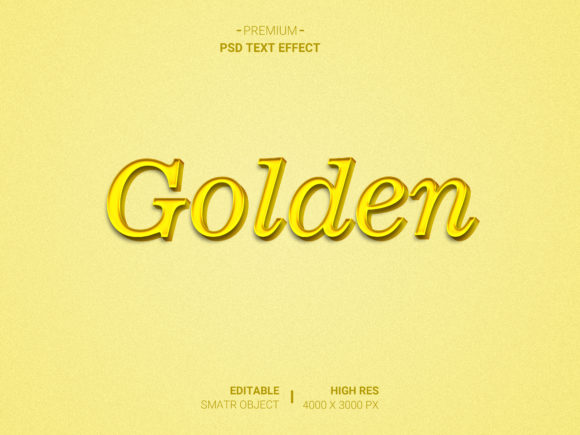
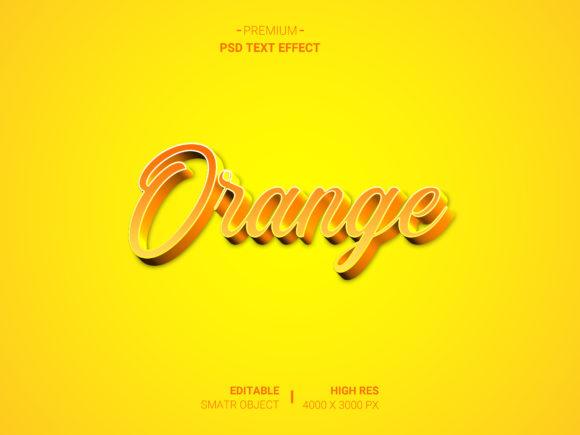
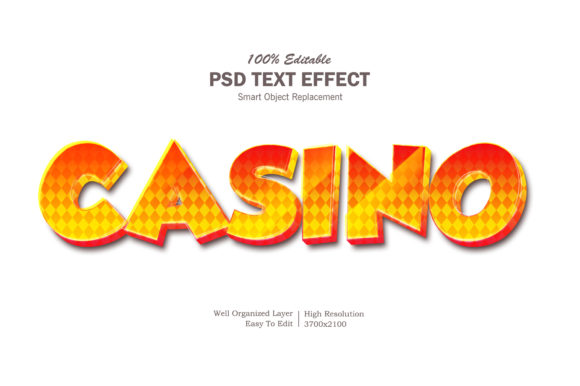
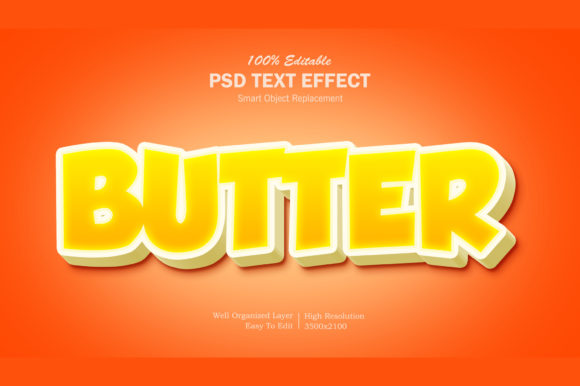
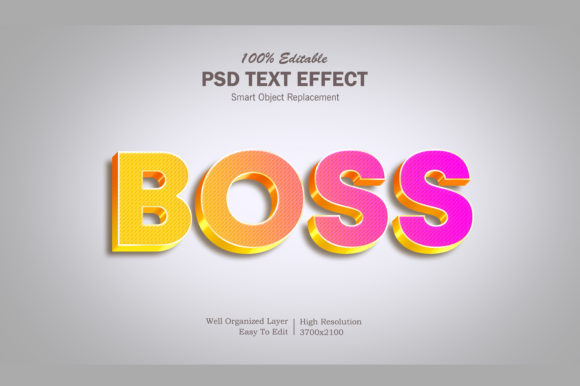
3D Back Text Effect
Imagine text that doesn’t just sit on the page—but recedes, shifts, and gains depth behind itself. That’s the 3D Back Text Effect: a clean, spatial typographic technique where letters appear to cast a dimensional shadow *behind* their front-facing layer, not below or to the side. It’s not about heavy gradients or complex modeling—it’s precision, contrast, and intentional layering. Done well, it adds visual weight without clutter, signals modernity without sacrificing readability, and invites attention without demanding it.
Why This Effect Stands Out (and When to Use It)
Unlike traditional drop shadows—which often flatten under poor lighting or scale—this effect uses controlled offset, subtle opacity, and consistent depth cues to simulate true spatial separation. The “back” layer sits slightly recessed, creating an optical illusion of volume anchored by light direction and surface alignment. That makes it especially effective for interfaces where clarity matters: dashboard headers, app onboarding screens, product feature labels, or branded presentation slides.
It works because it respects hierarchy. The front text remains dominant; the back layer supports—not competes. That balance is why designers in marketing, education, and publishing reach for it when they need emphasis *without* shouting. A course title with this treatment feels substantial but not aggressive. A small business logo lockup gains memorability without overdesign. A blog post header becomes scannable at a glance—even on mobile.
Creative Variations That Serve Real Goals
There’s no single “correct” version—only versions matched to purpose. Here are three grounded approaches, each with distinct applications:
- Monochrome Minimal: Front text in solid black or dark gray; back layer in a lighter tone (e.g., #999) offset 2–3px diagonally. Ideal for print materials, academic handouts, or minimalist SaaS dashboards where subtlety reinforces professionalism.
- Color-Shifted Depth: Front text in brand primary; back layer in a desaturated, slightly cooler variant (e.g., navy front → slate back). Works well for social media banners, webinar thumbnails, or educator slide decks—adding dimension while reinforcing color systems.
- Textured Back Layer: Front text crisp and sharp; back layer rendered with a faint grain, low-contrast noise, or soft blur (1–2px). Used selectively in portfolio sites, creative agency landing pages, or podcast show notes—hinting at craft without distracting from message.
What ties these together isn’t style—it’s intention. Each variation answers a question: *What does the viewer need to understand first? How much visual energy can this context support? What feeling should the typography reinforce—authority, approachability, innovation?*
Practical Applications Across Roles
For marketers and small business owners: Apply the 3D Back Text Effect to email subject lines previewed in inbox clients (test legibility at 14–16px), or to hero section headlines on service pages. Avoid overusing it—reserve it for primary value propositions (“Grow Your Email List in 30 Days”) rather than secondary CTAs. Consistency matters: use the same offset, color relationship, and spacing across all campaign assets so your brand feels cohesive, not chaotic.
For educators and course creators: Use it to distinguish module titles from lesson subtitles in LMS platforms or PDF workbooks. A slight depth cue helps learners visually parse structure—especially helpful for neurodiverse audiences who benefit from clear visual hierarchy. Pair it with ample line height and sufficient contrast (minimum 4.5:1) to maintain accessibility.
For freelancers and designers: Build reusable component libraries—not just for Figma or Adobe XD, but as CSS snippets. Define variables for --back-offset-x, --back-offset-y, and --back-opacity so clients or collaborators can adjust depth globally without breaking layout. Document usage rules: e.g., “Use only on headings size 24px and larger,” or “Never apply to body copy.” Clarity in implementation prevents misuse down the line.
Avoiding Common Pitfalls
Three missteps weaken the effect faster than you’d expect:
- Overcompensating with size or blur. If the back layer is more than 4px offset or uses >3px blur, it reads as noise—not depth. Stick to 1–3px offsets and zero blur unless intentionally pursuing a specific artistic mood.
- Ignoring context contrast. A light-gray back layer disappears on white backgrounds; a dark back layer vanishes on charcoal. Always test your combination against both light and dark modes—and verify contrast ratios using free tools like WebAIM’s Contrast Checker.
- Applying it where hierarchy doesn’t need reinforcement. Captions, data labels, navigation menus, and form fields rarely benefit. Reserve it for moments where you want the viewer to pause, recognize importance, and absorb meaning—not scan and move on.
Getting Started—No Plugins Required
You don’t need 3D software. In CSS, it’s two layers: one base element and a pseudo-element (::before) positioned precisely behind it. Use transform: translate() instead of text-shadow for full control over opacity, color, and positioning—plus better performance on scroll or animation.
In Figma or Illustrator, duplicate your text layer, nudge it manually (hold Shift for constrained movement), lower its opacity to 20–40%, and adjust fill color to match your chosen variation. Then group and name it clearly—e.g., “H1 – 3D Back / Navy/Slate” —so future you (or your team) knows exactly what it is and how to reuse it.
Start small: pick one recurring headline type in your current project—a section divider, a testimonial quote, a key metric label—and apply the effect there. Refine based on real feedback. Does it improve comprehension? Does it feel aligned with your voice? If yes, expand. If not, adjust offset, contrast, or skip it entirely. Good design serves function first—every time.
Final Thought: Depth With Discipline
The 3D Back Text Effect isn’t about adding flash. It’s about using spatial language to guide attention, reinforce meaning, and quietly elevate everyday communication. When applied with restraint and aligned to audience needs—whether it’s a freelancer pitching to a startup, a teacher labeling a classroom poster, or a blogger highlighting a key insight—it becomes less of a “trick” and more of a thoughtful tool. Try it where depth clarifies. Skip it where simplicity speaks louder. And always ask: *Does this help someone understand—or just look busy?*